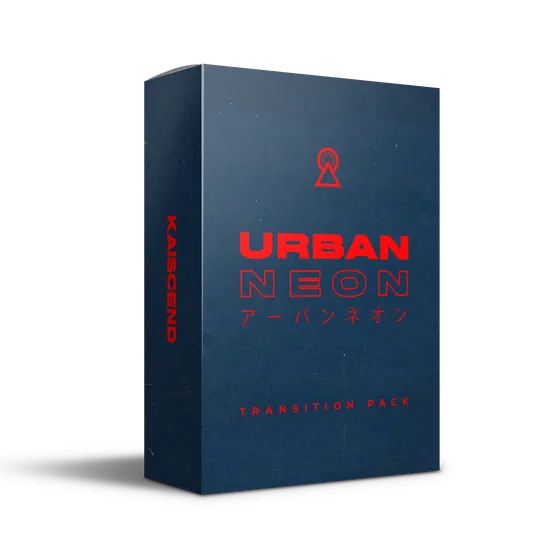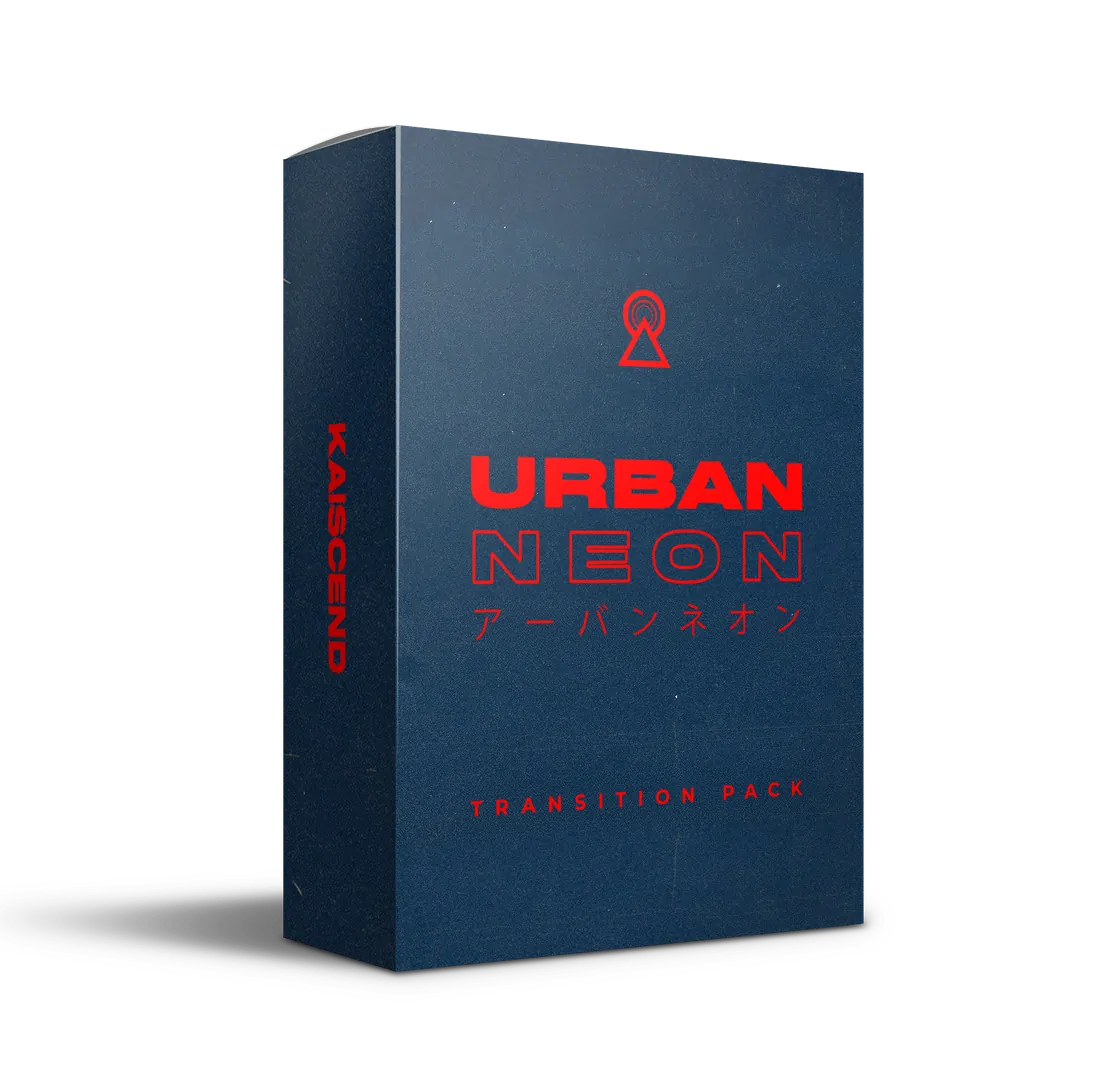
Urban Neon
Tokyo after dark, built into your cuts.
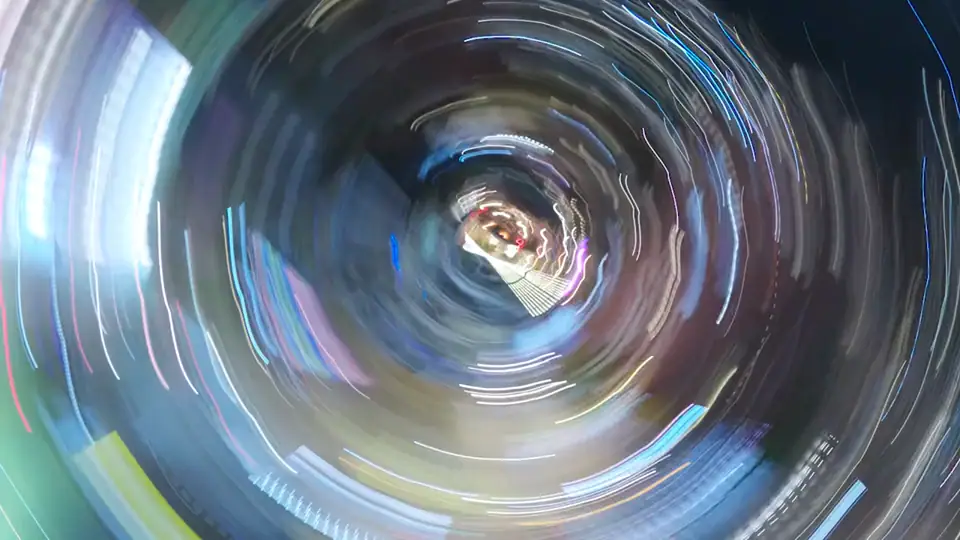
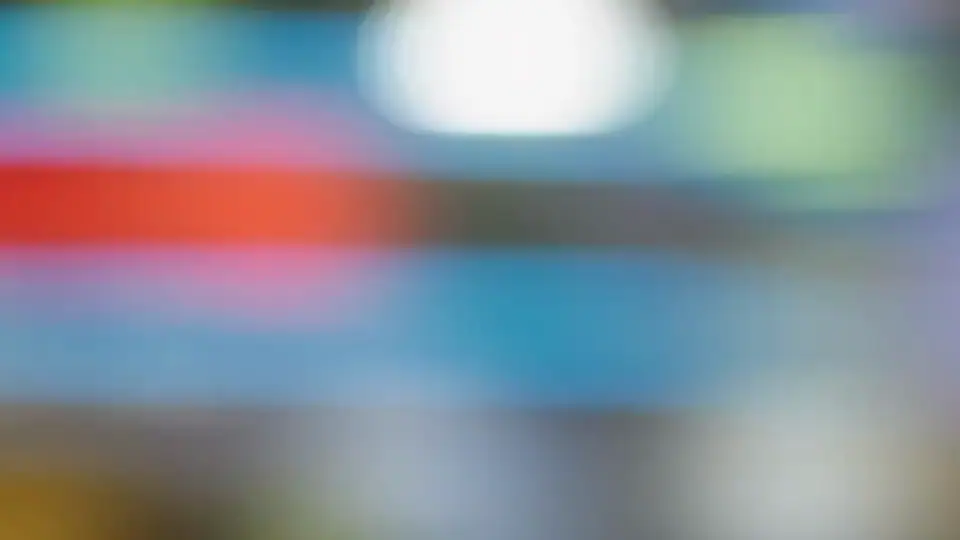
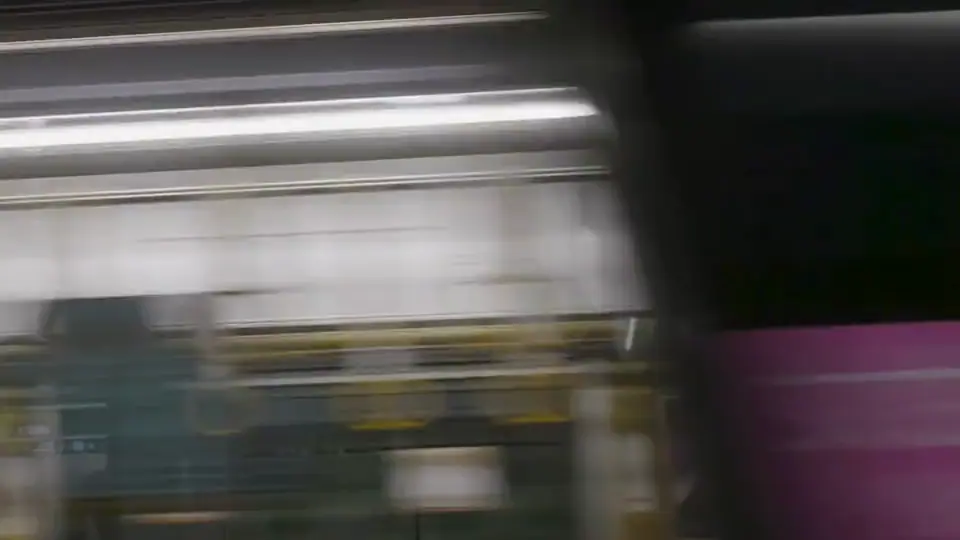
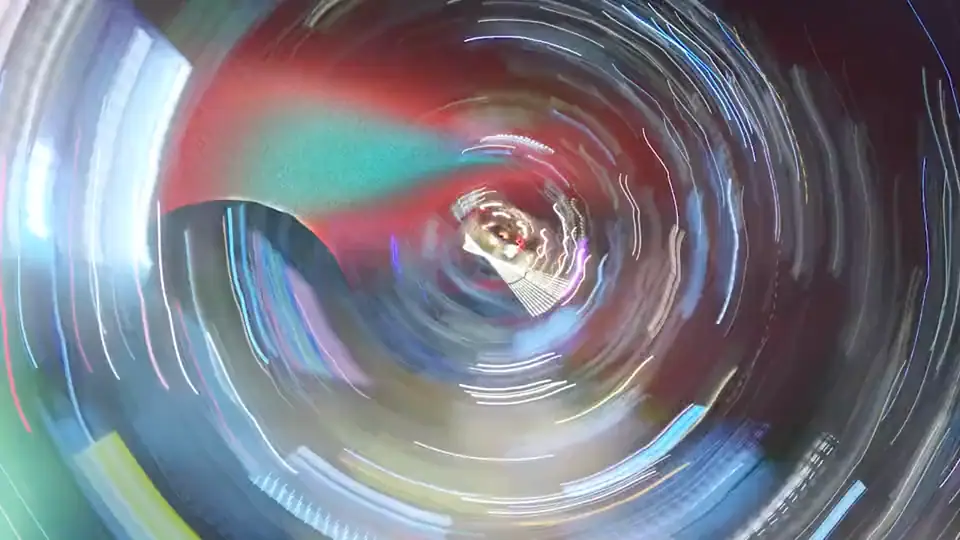
Slow-shutter light trails, bokeh, speed-bys and whip pans shot through the neon of Tokyo, Osaka, Shanghai, Bogotá and Bangkok. Drop one between two shots and the cut disappears into the city.
- 146 in-camera transitions across 6 categories
- 60 transition sound effects included
- 15 Japanese type transitions — 5 with alpha
- 4K ProRes 422 HQ, no plugins
- Free updates for 12 months
- Instant download
- No account needed
- Apple Pay · Google Pay · cards
- Commercial license
Works with Premiere Pro, DaVinci Resolve, Final Cut Pro, After Effects, Avid Media Composer, CapCut Desktop.
6 categories, 146 clips

What you get
Free updates for 12 months. Download as many times as you need.
- Clips
- 146 in-camera transitions
- Categories
- 6
- Resolution
- 4K UHD · 3840 × 2160
- Codec
- Apple ProRes 422 HQ · 10-bit
- Frame rate
- 23.976 fps
- Sound design
- 60 transition SFX · WAV 48 kHz + MP3
- Download
- 22 GB · zipped by category
- Alpha
- 5 clips in ProRes 4444 with transparency
Drag, drop, done
- 01
Pick a clip
Browse by category. Every file is named by look, so you can find a whip pan or a light trail in seconds.
- 02
Drop it between two shots
Place it on the cut and trim to the moment the frame is fully covered. No plugins, masks or keyframes.
- 03
Add the matching sound
Every Urban pack ships with transition SFX. Line the hit up with the cut and it lands.
Filmed in 5 cities
Every transition was filmed in-camera, on the street, by our team. No stock footage, no AI. Then graded and cut by hand in Tokyo.
- Tokyo
- Osaka
- Shanghai
- Bogotá
- Bangkok
What editing software does it work with?
Anything that imports Apple ProRes .mov files: Premiere Pro, DaVinci Resolve, Final Cut Pro, After Effects, Avid Media Composer and CapCut Desktop, on Mac or Windows. LUTs work in any app that loads .cube files; presets are for Lightroom.
How do I use an in-camera transition?
Put the transition clip between two shots on your timeline, trim it to the moment the frame is covered, and add the matching sound effect. No plugins, masks or keyframes needed. Every pack includes a quick-start guide, and each Urban pack has a video tutorial on its page.
Will 23.976 fps clips work in my 25, 30 or 60 fps project?
Yes. Drop them in like any other 24p footage and your editor conforms them automatically. The motion is fast enough that the frame-rate difference doesn’t show.
Do they work for vertical video?
Yes. Clips are 4K (3840 × 2160), so a 9:16 crop still comes out larger than 1080 × 1920. Reframe as you would any other 4K footage.
How do I get my files after buying?
Right after checkout you get an email with your download links. Big packs are zipped by category, so you can grab what you need first. You never need to create an account.
Can I get a refund?
Files are delivered instantly, so sales are final. If something is broken, missing or not as described, or you bought something twice, email us within 14 days and we’ll fix it or refund you. Refund policy.